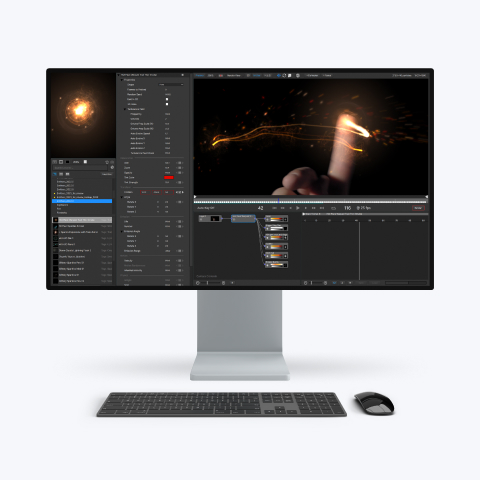
Instant Particle Magic
Particle Illusion Pro is a powerful particle generator that gives users instant access to 3D particles. Quickly create photorealistic particle effects to use for motion graphics, visual effects, titles, and lower thirds. Available as a fully functional standalone application and as a plugin part of the Continuum suite of effects.
"><path d="M4.51406 17.5098L2.71311 15.7398L12.7862 5.83977L22.8594 15.7398L21.0584 17.5098L12.7862 9.37977L4.51406 17.5098Z" fill="%23323232"/></g><defs><clipPath id="clip0_3722_33245"><rect width="24" height="24.4197" fill="white" transform="matrix(-4.44758e-08 -1 -1 4.29601e-08 25 24)"/></clipPath></defs></svg>)