Using particleIllusion with 3D


A video tutorial by Aharon Rabinowitz

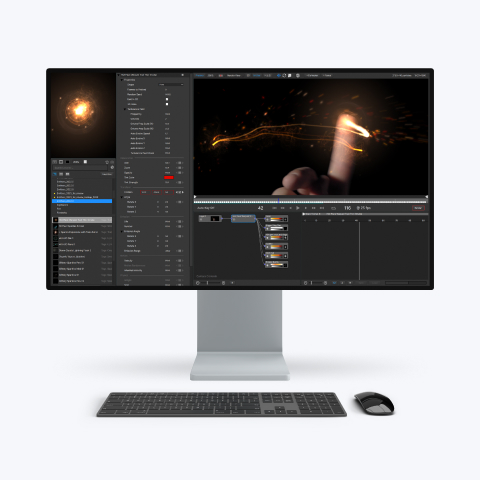
This tutorial discusses techniques I use when incorporating particleIllusion into my 3D scenes - in ways other than compositing. I've used Alias Maya 6 to demonstrate these concepts, but they can easily be adapted to your 3D program. In fact, when I first started fusing pIllusion with 3D (when I first came up with these concepts), I was using 3D studio Max, not Maya.

The goal of this tutorial is not to teach you to use either pIllusion or your 3D program. Rather, I wanted to share ideas on how you can use pIllusion to enhance your 3D work - I assume that you know how to use pIllusion, and have, at least, a basic knowledge of the 3D package you are using.


Some of you may say that it's possible to do a lot of what I talk about without using pIllusion (i.e., using only your 3D package - be it Maya, Max, LightWave…etc.). To them I say: That probably true. However, you'll find that my way takes a lot less time, and is a lot easier. If you already own a hammer, why bang a nail into the wall with the handle of a screwdriver?


particleIllusion is a powerful tool - Use it creatively, and you'll find it can do more than you expect.

I'll see you at the Creative Cow particleIllusion forum.


View the QuickTime video tutorial (75 MB MOV)

Note that the video is quite large: 800 x 600, 75 MB, so you may want to download the file before viewing)


Download the support files (ZIP format)     (SITX format)